
.svg)

.svg)

Dash makes it easy to manage file permissions—protecting data across tools.
AI adoption is accelerating rapidly. According to a McKinsey report, just 1% of organizations believe that their AI adoption has reached a natural endpoint. But, as the rate of picking up new tools and technologies is increasing, so are questions about data privacy and control.
For a lot of teams, the excitement around AI’s speed and efficiency is quickly followed by a new concern—what happens to our data when AI tools start using it? IT leaders and executives want their teams to take advantage of AI’s potential, but they also need to make sure sensitive information stays protected.
The challenge is how we work today. Most organizations use dozens of connected apps, and files move between them constantly. That’s normal—but it means every new AI integration can become a potential risk.
Dropbox Dash was designed to solve this problem by design—preserving existing file permissions and extending the Dropbox security framework into AI workflows.
Here we’ll explore some security concerns about AI and explain how Dash allows teams to control their data.

Why AI data security is a growing concern for IT and business leaders
AI is reshaping how work gets done—transforming almost everything.
However, behind that speed lies a growing risk—the more systems that touch your data, the more exposed that data becomes. While AI can unlock massive productivity gains, it also introduces issues for privacy, compliance, and control.
You want to take advantage of AI, but the biggest question is how to use it safely.
AI tools may make teams faster, but not all of them make organizations safer. Many AI applications rely on data exposure to learn, analyze, or generate results. Without the right controls, that exposure can lead to:
- Data leakage—through insecure API connections, sometimes as part of shadow AI use
- Unauthorized access—to shared or sensitive files that are fed into a tool
- Shadow AI use—where employees connect their own AI tools to an organization’s data, without IT oversight
- Compliance challenges—often relating to privacy and retention laws, which can carry heavy penalties
According to a 2024 Gartner survey, the top emerging AI-related risks for enterprises include the following:
- AI-enhanced malicious attacks
- AI-assisted misinformation
- Escalating political polarization
These serve as a sobering reminder of potential threats—and underscores that the biggest ones often stem from how AI interacts with data. The issue is how that new technology accesses and handles company data.
AI-powered Dash features address this by combining the intelligence of AI with the trusted Dropbox security infrastructure—keeping sensitive information protected and always under your organization’s control.
How AI introduces new risks in multi-app environments
The modern workplace is built on connectivity—but also complexity.
Marketing teams collaborate in Slack, engineers manage code in GitHub, and operations teams rely on spreadsheets and reports across multiple cloud storage folders. When AI is layered on top of that ecosystem, it touches nearly every data source your organization uses.
That visibility can deliver tremendous value—but it also widens the attack surface. Here’s where the risks creep in:
- Cross-platform exposure: When AI connects to multiple apps, it can unintentionally overreach permissions—pulling data that was never meant to be touched. One slip like this can expose private assets to the wrong users and undermine the trust your brand is built on. Look for tools to respect existing permissions to avoid this.
- Data drift: Sensitive information copied from one environment to another may skip audit trails, creating blind spots for IT and compliance. That lack of visibility can quickly turn into a costly breach or compliance violation—either in the form of financial penalties or a hit to your brand reputation. Build a centralized system to stop this.
- Prompt leakage: Employees testing public AI tools may share snippets of confidential data without realizing those prompts can be stored or learned from. Even a single misused prompt can permanently leak proprietary information outside the organization. As a result, you should always use AI tools with enterprise-grade security.
- Untracked usage: Shadow AI—unapproved tools connected without oversight—can spread faster than security teams can detect. Without effective governance, these hidden tools create a web of unseen risk that’s almost impossible to control after the fact. A clear AI usage policy can combat this.
- Cascading vulnerabilities: A single unsecured API connection can open doors across every linked platform. Once breached, one weak point can compromise the integrity of your entire ecosystem. This accumulation of concerns is one of the biggest worries for IT leaders—so teams need to continuously monitor and stay proactive.
Managing these risks requires a unified control layer. Dash delivers that security foundation, maintaining existing permissions in connected apps—enabling your teams experiment and innovate their work with AI.
What file security and control really mean in the era of AI
The rise of AI has reshaped how information moves inside organizations. Data no longer sits neatly in one folder or platform—it’s shared, queried, summarized, and analyzed across tools that rarely share the same security rules.
Traditional safeguards like encryption or password protection still matter, but they’re only part of the picture. True file security today means protecting not just where your data lives, but also how it’s used.
True file security and control go beyond encryption or password protection. In the AI era, they mean ensuring that:
- Files are only visible to authorized users—even when surfaced through AI, search should reveal answers and avoid exposing sensitive data
- Permissions remain consistent across tools and workflows—your security policy shouldn’t vanish when you switch apps
- Access can be audited, monitored, and revoked at any time—control means visibility, but also the ability to act fast when something changes
- Data stays within compliant, governed storage environments—compliance should be automatic, and never optional
In other words, you have to protect data in motion between a suite of tools. Dash extends these principles into every connected tool and AI interaction, ensuring data integrity and security at all times.
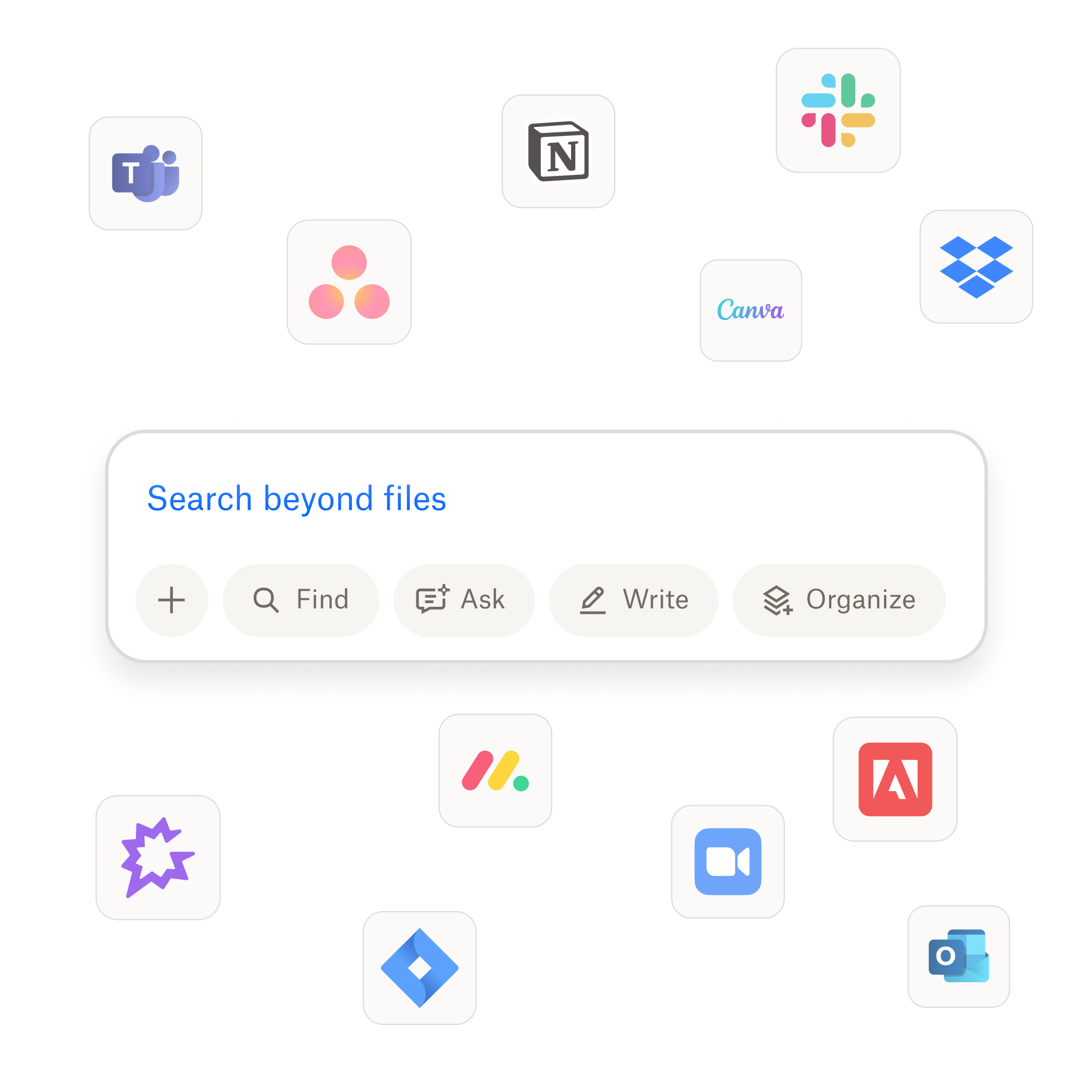
How Dropbox Dash protects your data across connected tools
Dash has the enterprise-grade security foundation of Dropbox and extends this across your AI workflows. That means every AI-driven search, summary, or insight respects the same permissions and controls you’ve already set.
Here are a few safeguards built into the AI-powered features in Dash, and how they provide peace of mind:
1. Preserved file permissions
Dash never overrides or alters access settings. When Dash surfaces content from connected tools—it only displays what each user is authorized to see.
Everyone gets the visibility they need without exposing information they shouldn’t see. Teams can collaborate confidently, knowing that sensitive materials remain locked to the right people and productivity can keep moving forward. Dash acts as a secure bridge, so governance and efficiency coexist harmoniously.
2. Data protection and encryption
Dash security is built on the trusted Dropbox framework, which keeps your data protected in transit and at rest. Files are encrypted when they move between your device, Dropbox, and connected apps—and remain encrypted while stored in the cloud.
This means your content stays secure whether you’re searching across tools, reviewing assets, or generating AI summaries. This happens automatically while you work—Dash combines Dropbox-grade encryption with smart access controls, helping teams work quickly without compromising safety.
3. Admin visibility and control
Through the Dash admin console, IT teams can monitor connected apps, manage permissions, and view usage patterns—all from one place. Strong protect and control features also let you monitor and take action in real time.
As a result, admins gain full oversight while avoiding micromanaging. They can spot unusual activity early, maintain compliance across connected apps, and adjust access fast as teams evolve. Dash gives organizations both agility and accountability—for a security framework that scales.
4. AI operations transparency
Dash keeps all AI data processing within a secure environment and provides visibility into what data was accessed, when, and by whom.
The advantage for operations and IT teams here is that AI becomes fully auditable, instead of opaque. Downstream, this means teams can innovate with confidence, knowing that every query, summary, and recommendation is fully secured.
Together, these safeguards allow teams to benefit from AI-powered productivity without ever compromising on security or compliance.
Use Dash for admin visibility and control
Dash extends the Dropbox security framework across connected tools and provides you with a powerful admin console—so AI workflows always stay safe.
Best practices for keeping AI workflows compliant and secure
Even with trusted platforms like Dash, strong AI data governance depends on shared responsibility. Here’s how IT and business leaders can maintain confidence while scaling AI use:
1. Centralize access management
Maintain one source of truth for user permissions across all connected tools. Every file, folder, and integration should follow the same set of rules—no more gaps or guesswork.
Centralized access prevents accidental oversharing while giving employees the clarity to work faster. With Dash, permissions move with the data, ensuring that security and productivity can scale together.
2. Define AI usage policies
Set clear guidelines for prompt sharing and data inputs. This way, teams know exactly what’s allowed, what’s off-limits, and how to handle sensitive content.
Standardized policies eliminate ambiguity and reduce the risk of shadow AI. Clear frameworks also empower employees to innovate confidently.
3. Train teams on data hygiene
Educate employees on the difference between safe and risky AI use cases. Informed teams are your first line of defense. When people understand how data flows through AI systems, they make smarter, safer decisions.
Data hygiene training can help protect both the brand and the business. Dash reinforces these good habits by keeping secure workflows simple, so safety becomes second nature.
4. Monitor continuously
Use tools like the Dash admin console to track activity and identify anomalies early. This visibility turns security from reactive to proactive. Real-time monitoring also helps IT teams catch irregular behavior before it escalates.
With proactive monitoring organizations can reduce inefficiency and risk. With Dash, admins gain a clear picture of how AI interacts with all their company data.
With these best practices, organizations can enable experimentation and avoid sacrificing oversight. By uniting AI workflows under one secure environment, Dash ensures that innovation can happen responsibly.
Build a safer foundation for AI collaboration with Dropbox Dash
AI doesn’t have to come at the expense of control. Dash features empower teams to explore AI confidently, knowing their files remain protected under the same robust security standards that govern Dropbox.
Dash extends the Dropbox security model—keeping sensitive files protected while teams innovate. See how Dash helps many organizations maintain data control and compliance—try a demo or contact sales to get started.
Frequently asked questions


.webp)