Search files, media, people, and more with AI-powered universal search
Dash brings all of your content—across connected apps like Google Drive, Slack, Outlook, and more—into one intelligent, searchable hub. Search across files, emails, calendars, and documents without switching tools.
.png)
Focus on what matters, with universal search that understands you
.webp)
Get personalized AI search results based on your projects and working style
Find what you need faster with real-time content suggestions
Receive relevant results based on descriptions, context, or what you remember—perfect memory not required
Quickly find what you need with AI-powered search
.webp)
Get results from every connected app and every file type: documents, emails, images, videos, audio, and more
Ask questions and get answers across all your work—from files, emails, and shared folders—in one place
Get the full picture fast with AI-powered search that understands descriptions—not just filenames
Search smarter without compromising security
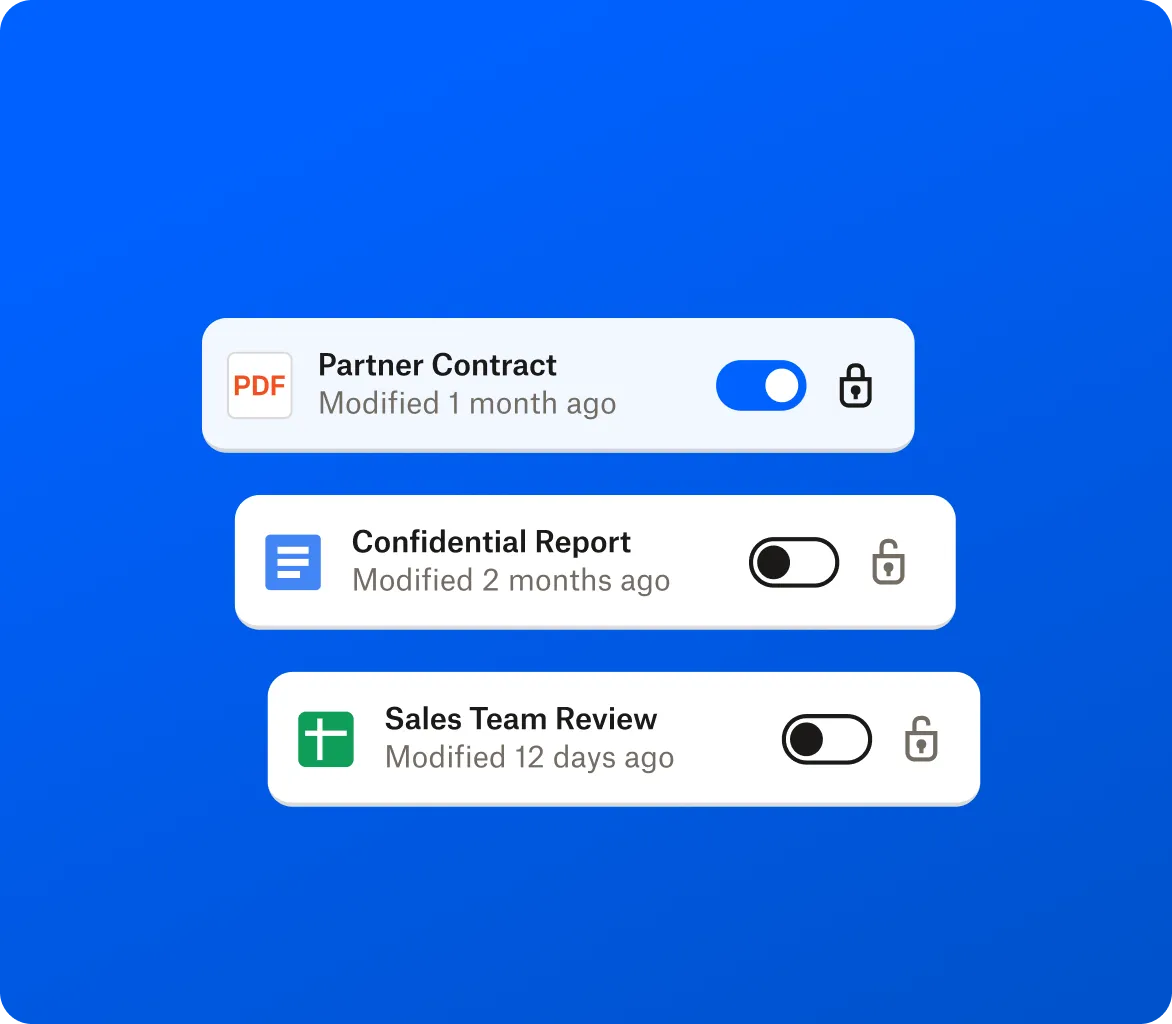
Search across connected apps while respecting your existing permission settings
Support global teams in select countries—Dash is GDPR-compliant
Ensure sensitive information remains accessible only to authorized people
Frequently asked questions about universal AI search
Universal search lets you search across all your connected work apps—like Dropbox, Google Drive, Slack, Outlook, and more—from one place. With Dash, you can find files, folders, emails, messages, documents, images, videos, and shared content in a single AI-powered search experience, without switching between tabs or tools. Once your apps are connected, Dash helps you quickly find everything related to your work or a project across cloud storage, email, and collaboration platforms.
Dash is an AI-powered universal search solution for teams that work across multiple apps. Traditional enterprise search tools often require complex setup, indexing, restructuring, or moving data into a centralized system. Dash connects to your existing apps and surfaces results across tools—helping your team quickly find files, emails, media, and shared content without being forced to migrate or duplicate content.
AI-powered search understands descriptions and context—not just filenames. That means you can describe what you’re looking for and get relevant results across your connected tools, even if you don’t remember the exact file name.
With Dash, you can search across connected apps and file types in one place. Instead of manually checking folders, email threads, and chat messages, you get a unified view of everything connected to your work.
Yes. Dash searches across documents, PDFs, and images based on what’s inside them—not just file names. You can find what you need using keywords or descriptions, even when you don’t remember the exact title. Dash also searches video files by file name and metadata.
.webp)


